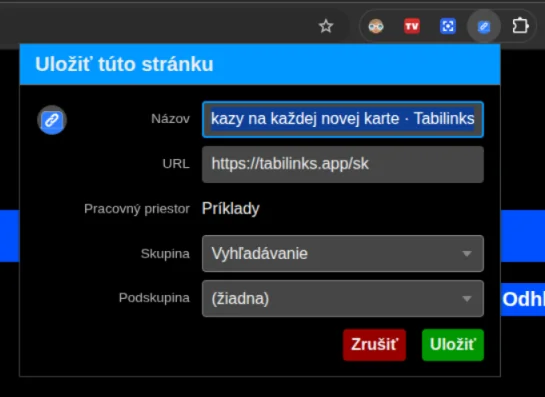
Save the page you are viewing
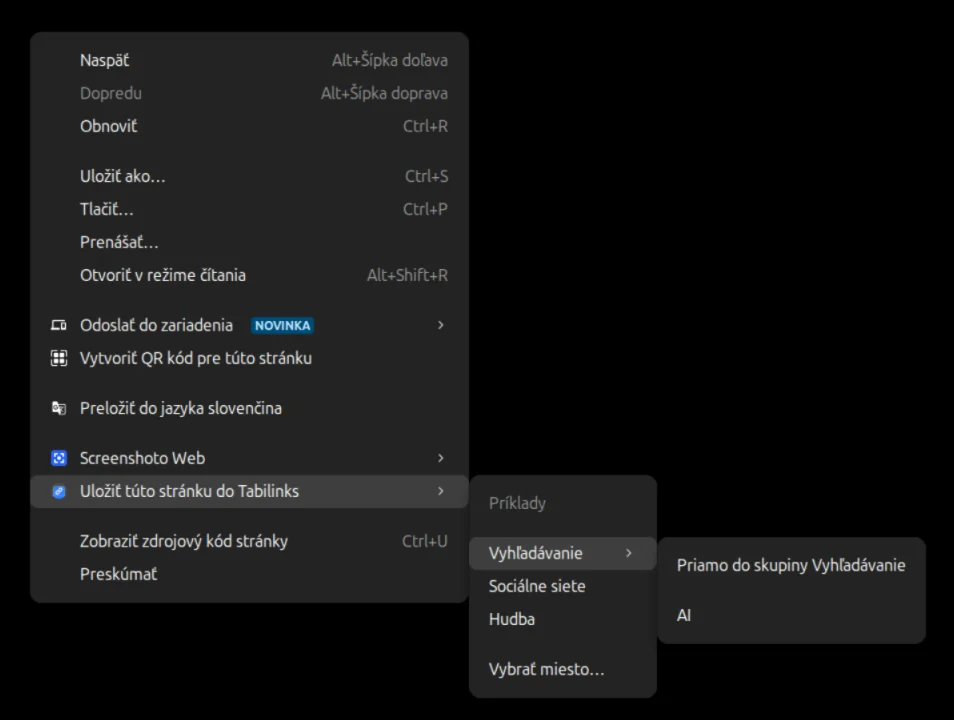
To save the page you are browsing right now, use the context menu action Save this page to Tabilinks.
Or you can set up a keyboard shortcut (in most cases even remap the default CTRL + D). That takes a little configuration, described here: Save pages with Ctrl+D
An example of quick saving - you fill in nothing, the link is saved straight into a group or subgroup:
The standard save dialog, opened by the keyboard shortcut or by the extension's button in the browser's top bar: