Download
Chrome Web Store
The store listing is not published yet. The recommended way to install. Updates arrive automatically.
...And if you want synchronisation and backups
1. Register and sign in
Register the ordinary way (the registration form, then the activation link sent to your e-mail), or use Google
Register Log inPair the installed extension - standart account
1. Sign in to the Chrome extension with your account details.
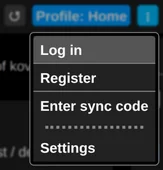
2. Fill in your details.
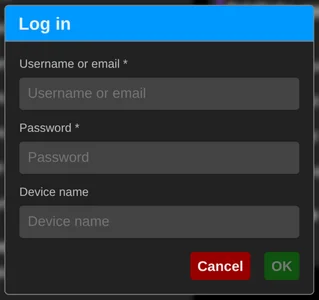
3. Once you are signed in, the profiles, workspaces, groups and links you created locally start synchronising.
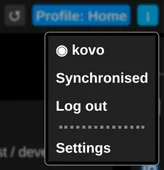
You can check that you are signed in, and sign out again, from the menu.
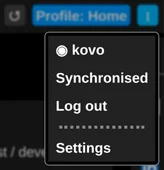
Pair the installed extension - Google-logged account
Because registering and signing in with a Google account never creates a password on this platform, pairing works a little differently.
This way of pairing works for ordinary accounts too.
If you have already signed out of this site, sign in again. Log in
1. Once you are signed in you can reach the My Devices section, where you can have a pairing code generated.
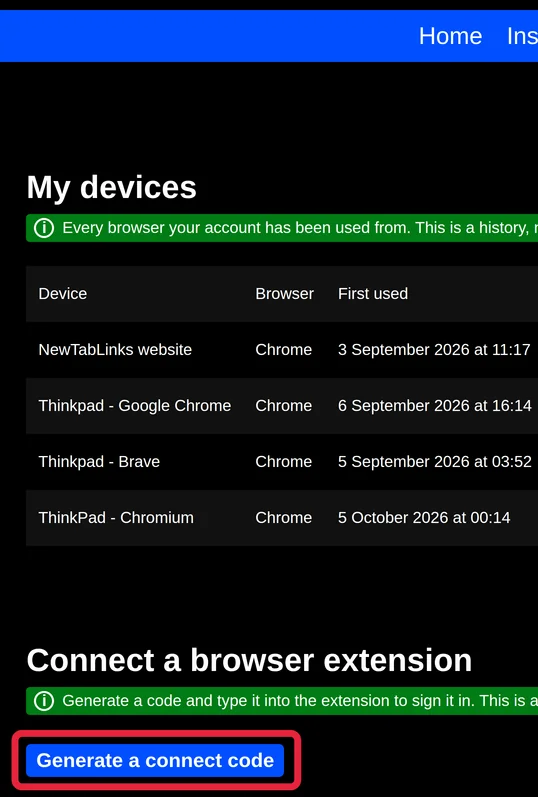
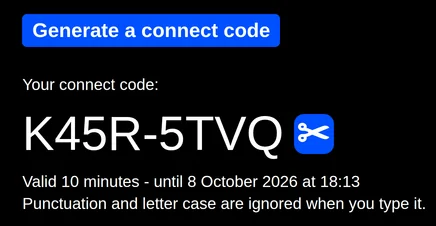
2. Enter the connect code in the Chrome extension.
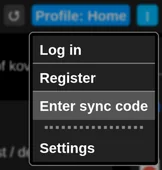
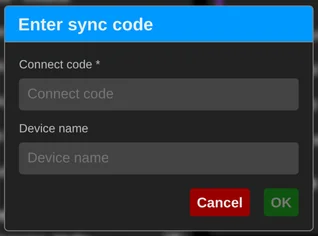
3. Done