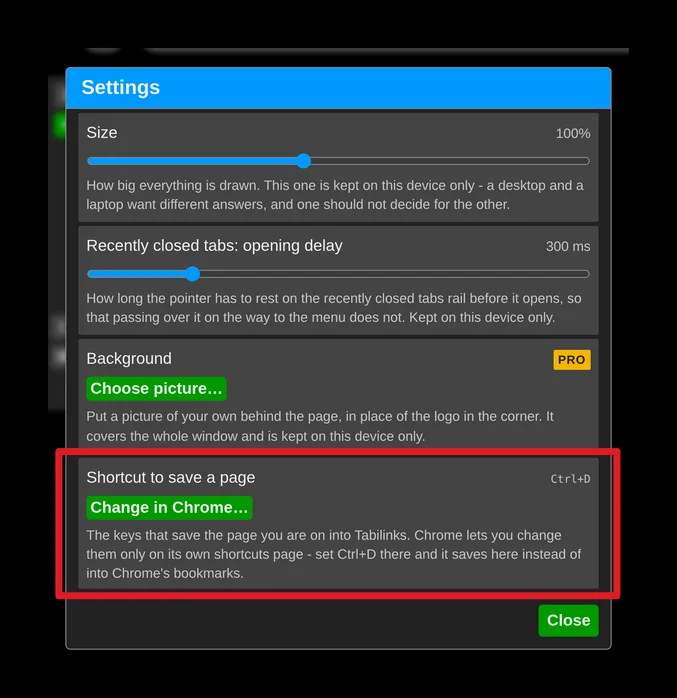
Save pages with Ctrl+D
Ctrl+D normally adds the page to Chrome's own bookmarks. You can make it save the page into Tabilinks instead.
Open the application menu (three dots, top right) → Settings → "UI and behavior", and click "Change in Chrome…" next to "Shortcut to save a page". Then press Ctrl+D in the Tabilinks field.
Why it takes a trip to Chrome
Chrome does not let an extension choose or change its own keyboard shortcuts - only you can, and only on Chrome's own shortcuts page. That keeps any extension from quietly taking over keys you already rely on. So Tabilinks takes you to that page; the choice is yours.
Getting there through Chrome's menus
Chrome menu (three dots, top right) → Extensions → Manage Extensions → "Keyboard shortcuts" in the left-hand menu.